01
FeraSurvey for teams
Design surveys, publish versions, manage invitations, review responses, print reports, administer results, and export structured data from one focused workspace.
Explore the workspace →
FeraSurvey · Surveys, forms & structured data
Design surveys and structured forms without writing code. Publish hosted experiences, embed them in WordPress, and use responses to power reporting and connected business workflows.
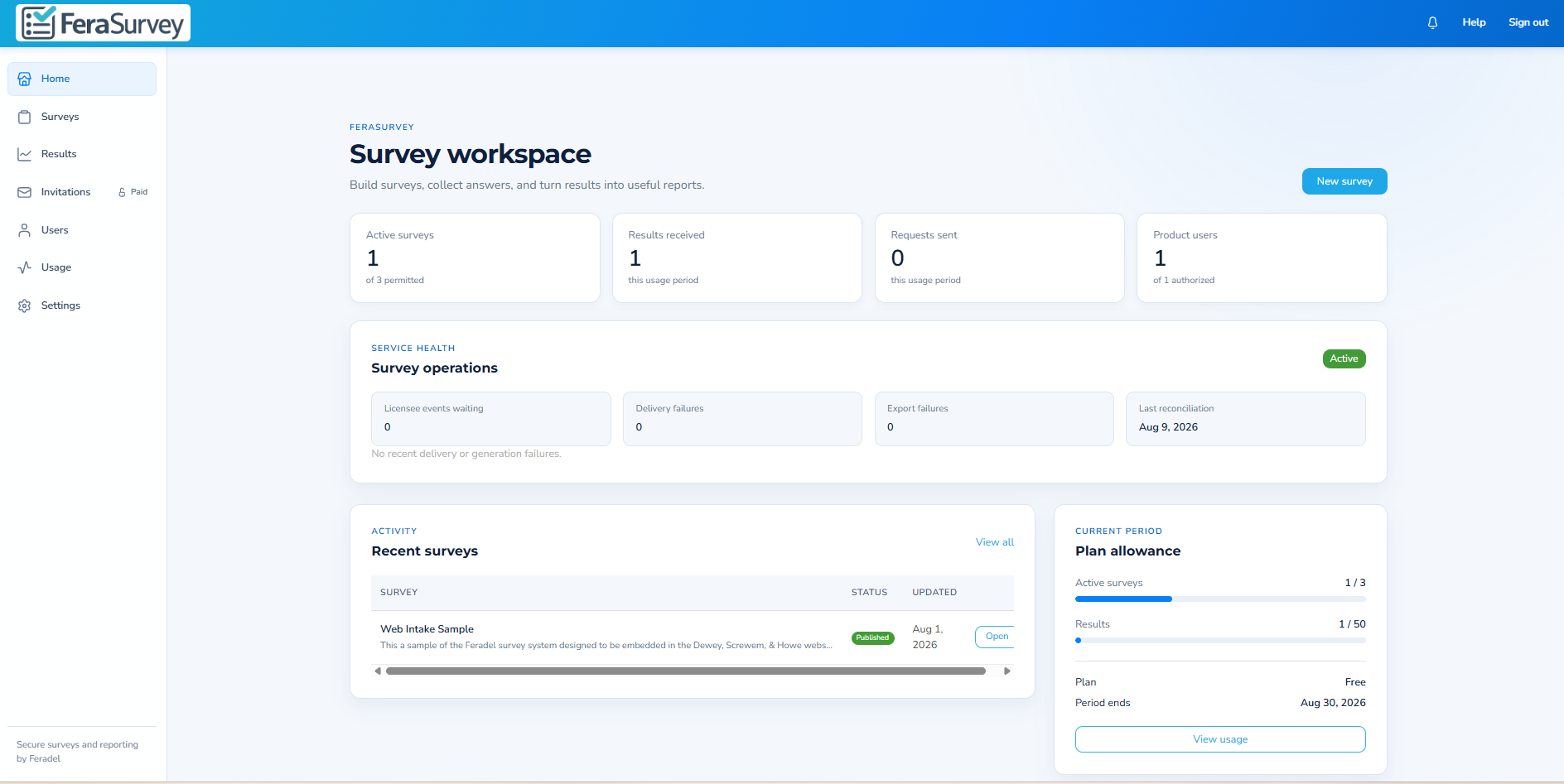
One product, three ways to use it
The retail workspace handles the whole survey lifecycle. WordPress provides a painless responder experience on your site. Webhooks hand structured response events to the systems you already use.
Design surveys, publish versions, manage invitations, review responses, print reports, administer results, and export structured data from one focused workspace.
Explore the workspace →Connect a site securely, choose a published survey, then add it to content with the FeraSurvey block or a shortcode. Survey answers stay in FeraSurvey—not in WordPress.
See WordPress setup →Register customer webhooks and let signed survey and response events continue your application workflow without forcing users into a second data-entry system.
See integration flow →Interactive example
Complete a short fictional questionnaire and preview its JSON result. This educational demonstration runs only in your browser. It does not submit data to FeraSurvey or store your answers.
Example JSON output
{
  "survey": "Demo workflow",
  "workflow": "Employee onboarding",
  "rating": 3,
  "note": "Follow up with a sample PDF report."
}
This preview illustrates structured data; it is not an actual survey submission. An authorized FeraSurvey integration can use collected responses for reports or subsequent workflows.
Visual survey authoring
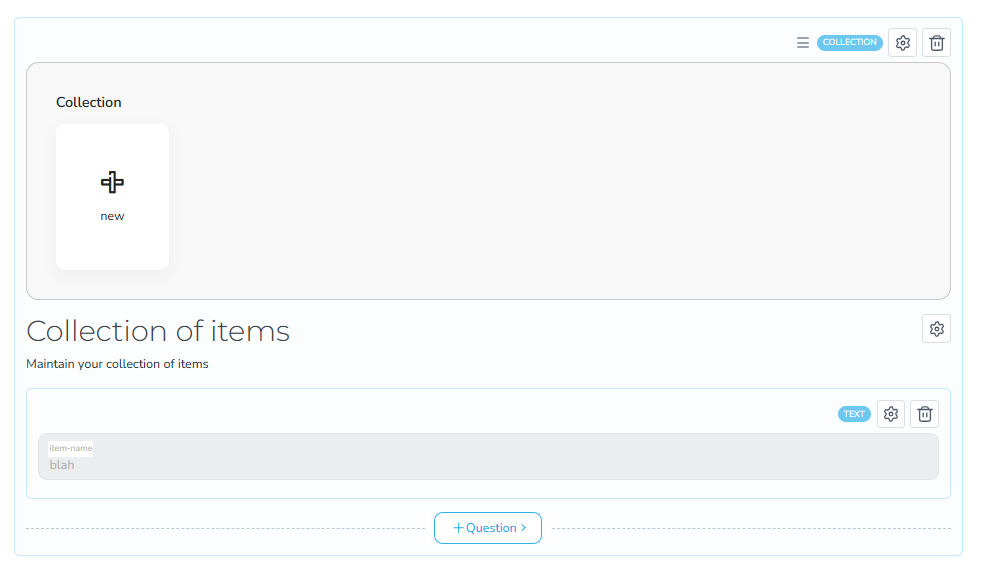
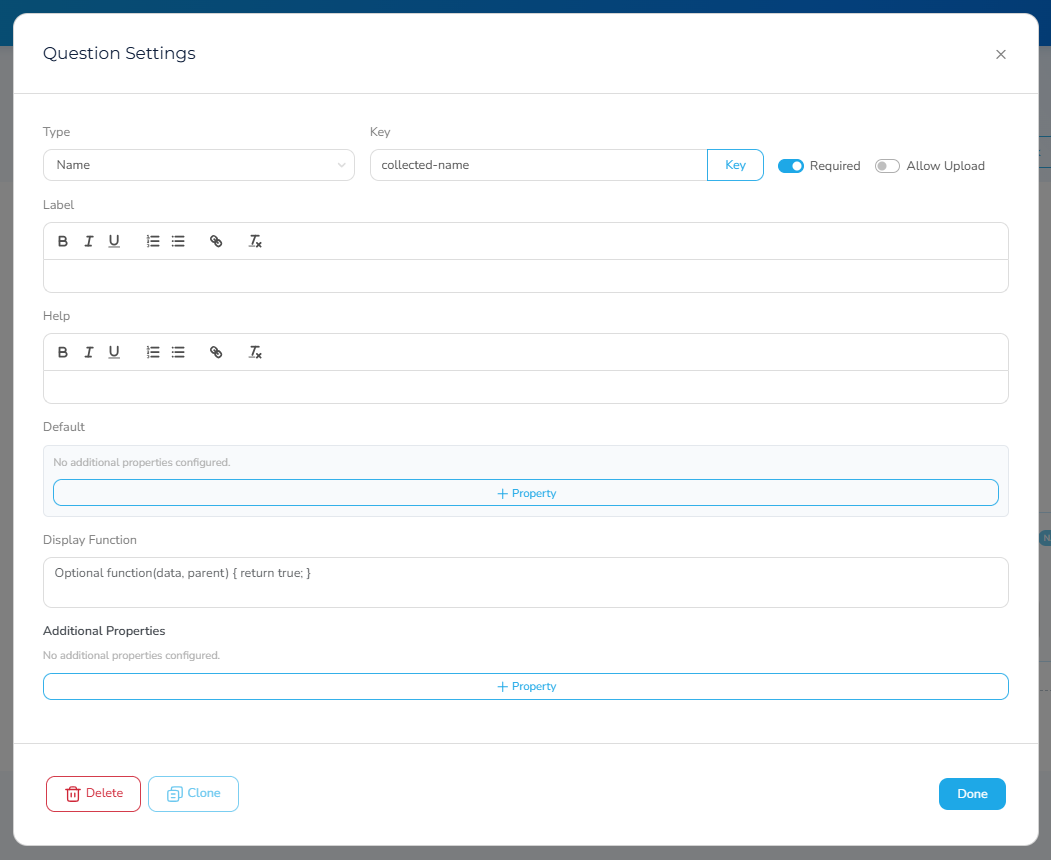
Start with a blank survey, organize it into sections, add questions from the editor, and configure each question in place. FeraSurvey is designed for ordinary business users while still producing predictable structured data for more technical workflows.
Publish with control
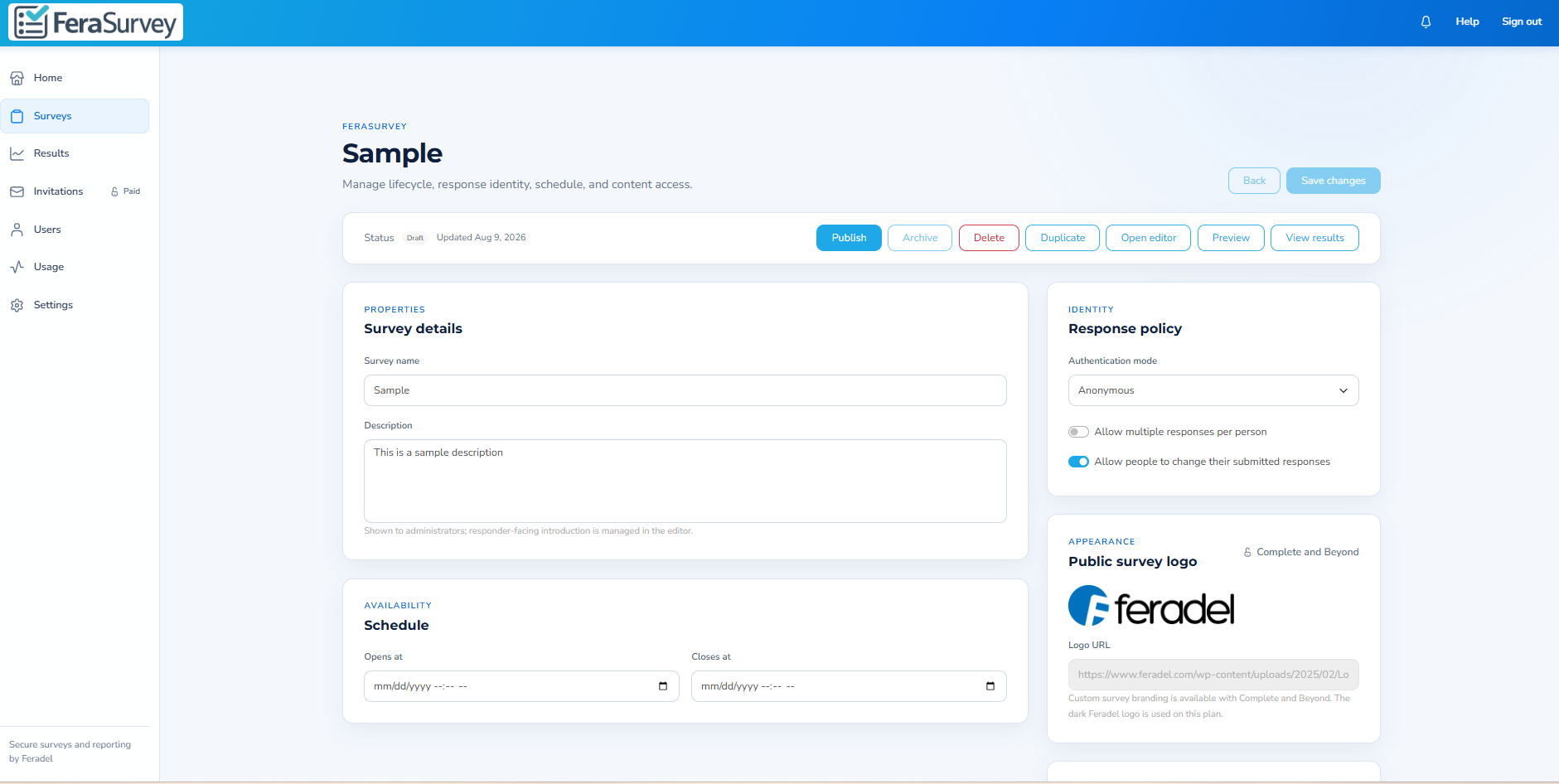
Survey properties keep publication and response behavior separate from question authoring. Configure the response policy, schedule availability, control whether submitted responses may be changed, and apply survey branding where the plan permits it.
Responses and reporting
Responses live in a dedicated results workspace with single-response reporting, saved/submitted version history, print output, and administrative controls.
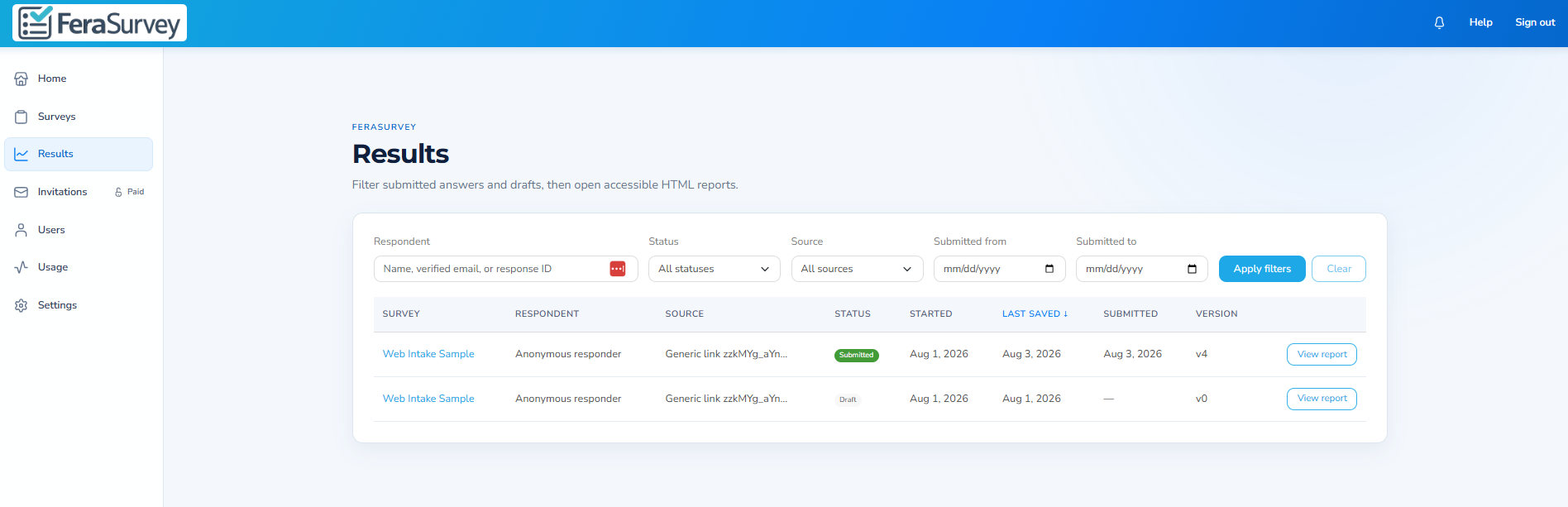
Results workspace
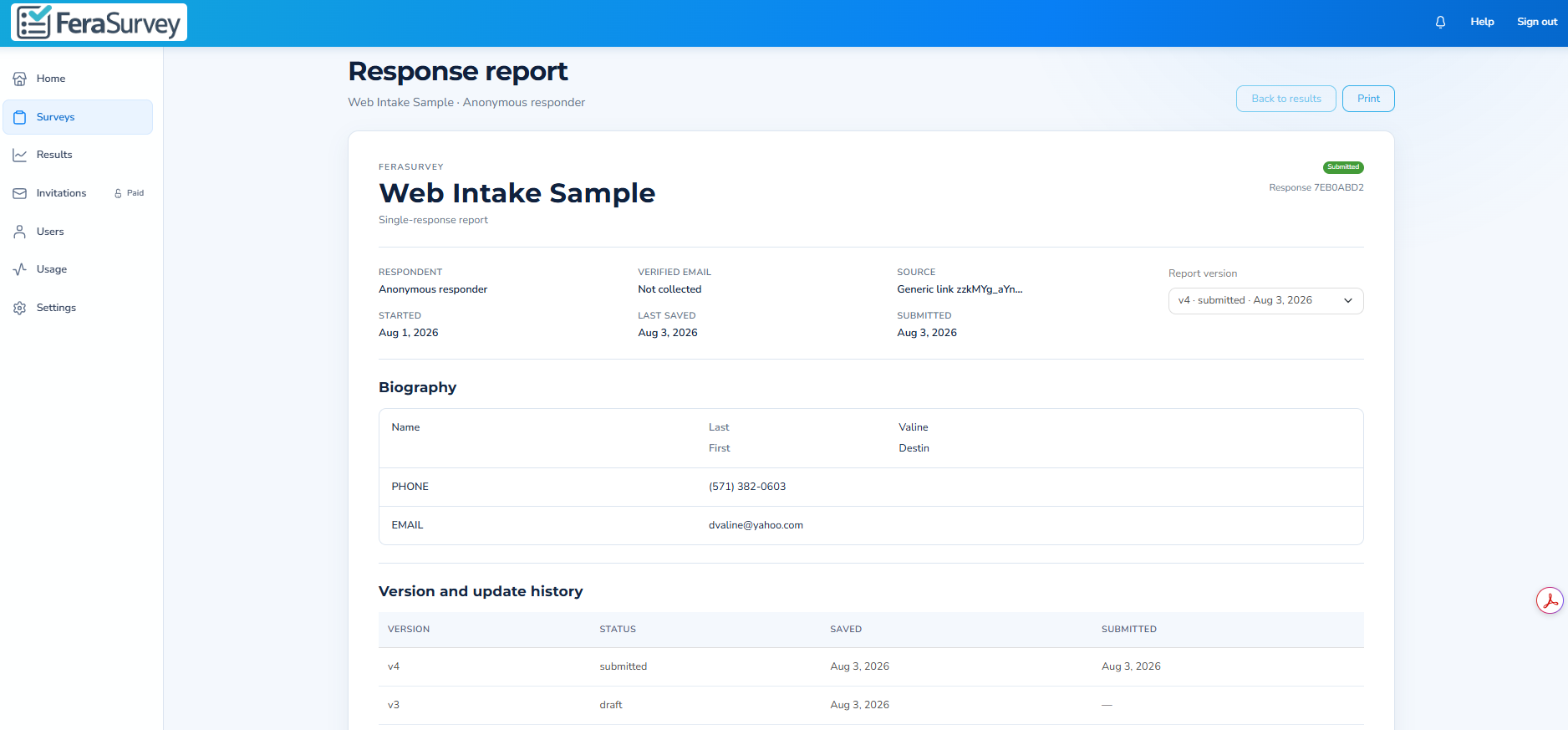
Single-response report and version history
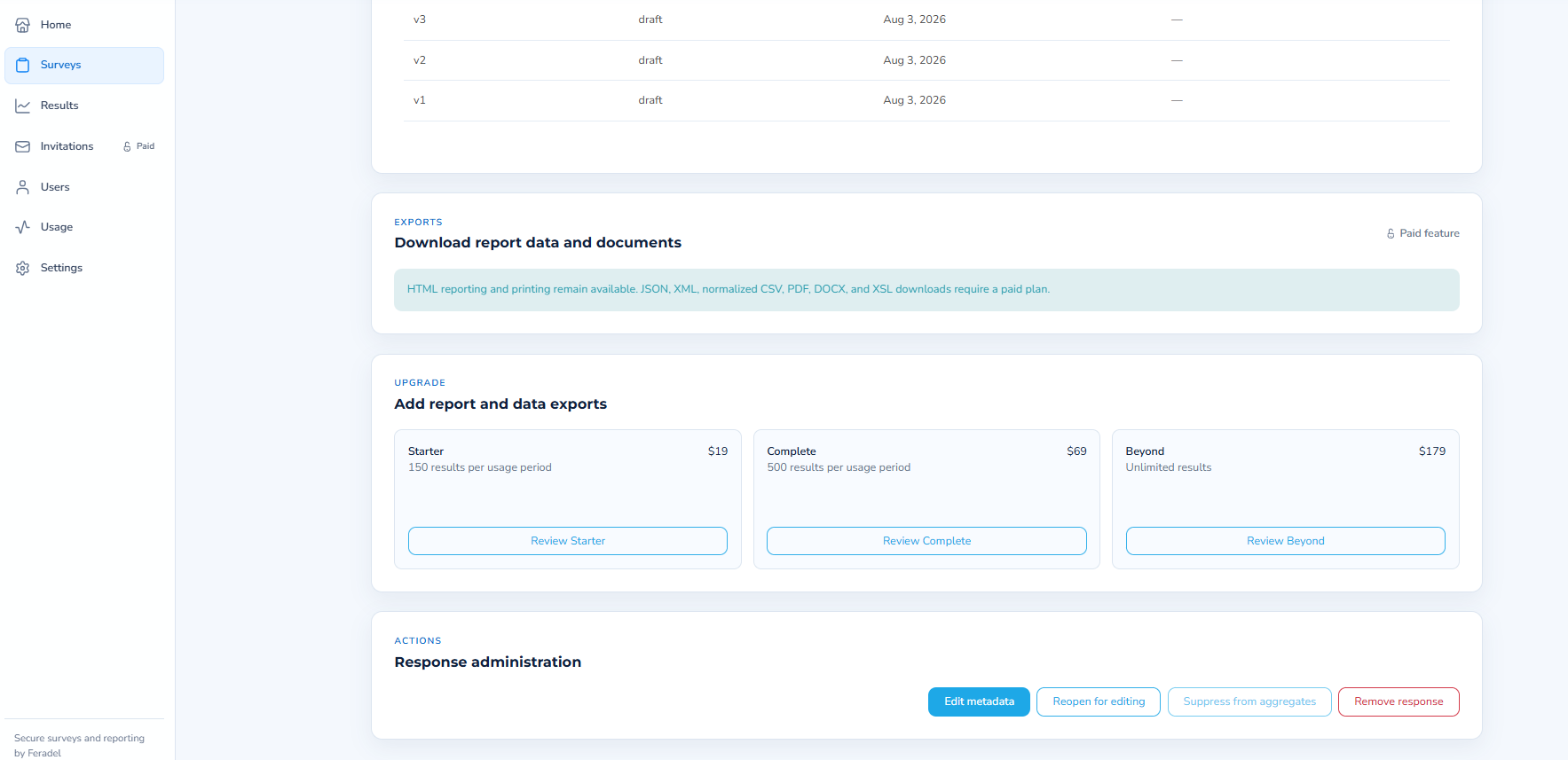
HTML reporting remains available for straightforward review and printing. Eligible paid plans add structured and document-oriented export formats for downstream work.
FeraSurvey for WordPress
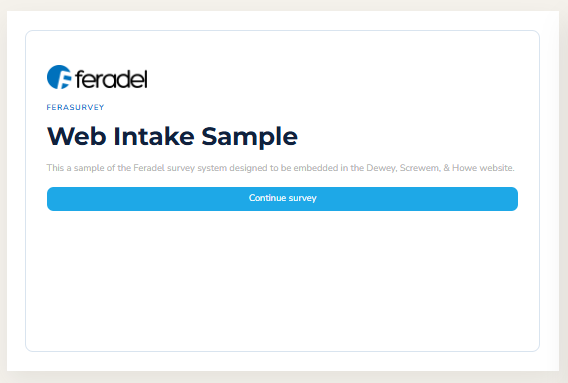
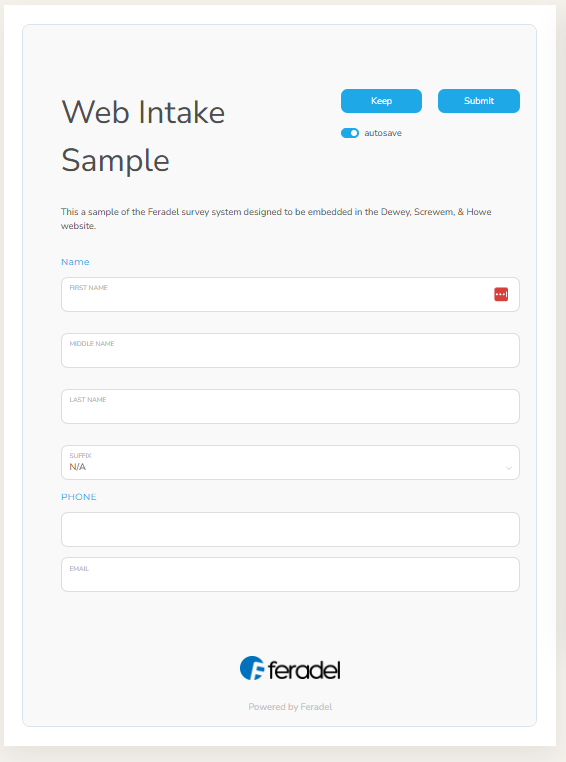
Add a secure survey experience to your WordPress site without rebuilding your forms. Connect the site, select a published survey, add the FeraSurvey block or shortcode, then preview and publish.
Authorize your WordPress installation from FeraSurvey settings.
Select a survey the website is authorized to display.
Use the Gutenberg block or shortcode, preview, and publish.
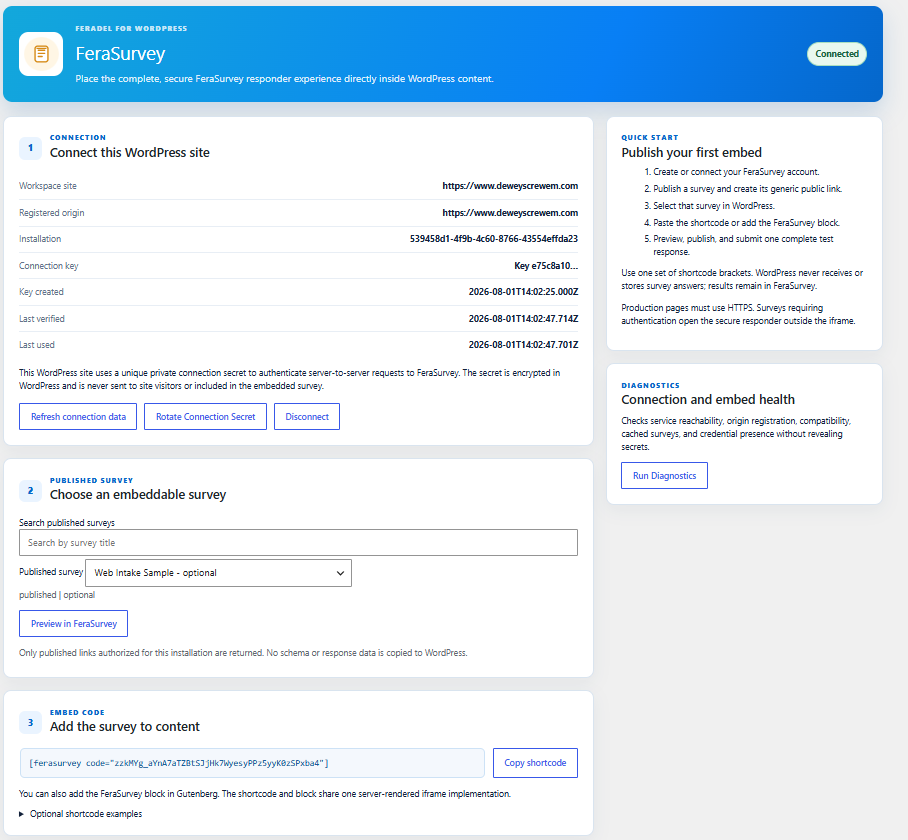
Each WordPress installation receives its own private connection credential. The secret is stored on the server, is not exposed to site visitors, and can be rotated or disconnected by an administrator.
FeraSurvey for developers
Register a customer webhook for the endpoint your application controls. FeraSurvey can deliver signed survey and response events so a submitted response can continue into your database, CRM, document workflow, notification service, or other business process.
Illustrative webhook pattern, not production-ready security code. Verify signatures and schemas using FeraSurvey documentation.
app.post('/webhooks/ferasurvey', verifyEvent, async (req, res) => {
  const event = req.body;
  await continueWorkflow(event);
  res.sendStatus(200);
});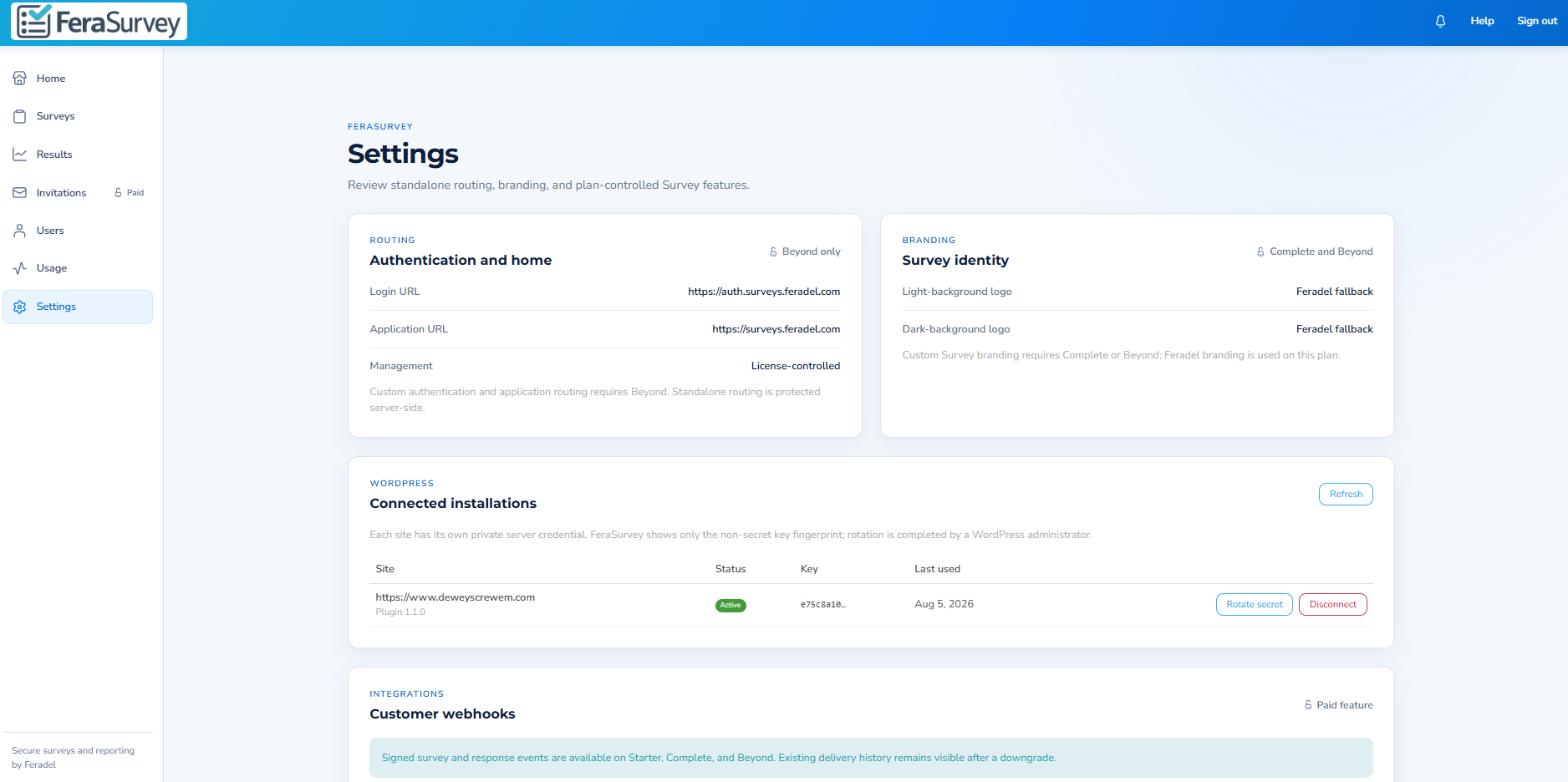
Connected WordPress installations and customer webhooks are managed from the FeraSurvey settings workspace.
From response to next step
Gather the data in FeraSurvey. With a configured integration, complementary products can turn it into finished documents.
Use a hosted link, invitation, or WordPress embed to capture structured responses.
Merge application data with document templates to produce PDF or editable DOCX files.
Explore FeraRender →Prepare eligible documents for electronic signature and retrieve signed PDFs and audit certificates.
Explore FeraSign →Each product requires its own authorization and licensing. Automatic Survey-to-Render-to-Sign transfer is not included without a separately configured integration.
Simple product pricing
The free tier requires no credit card. Paid tiers add response capacity, users, invitations, branding, reporting, webhooks, and advanced controls.
50 results per usage period
150 results per usage period
500 results per usage period
Unlimited results
Need a custom capacity or implementation? Talk to Feradel. Final plan allowances and availability are confirmed during sign-up.
Common questions
Yes. The retail application includes survey creation and editing, publishing, results, response reporting, invitations, users, usage, settings, and administrative controls. WordPress and webhooks are optional integration paths.
Yes. The FeraSurvey WordPress plugin connects the site server-to-server, lets an administrator select a published survey, and provides both a shortcode and a Gutenberg block for placement in content.
No. The WordPress integration is intentionally thin: survey schema and response data stay in FeraSurvey rather than being copied into WordPress.
Yes. Customer webhook registrations on eligible paid plans can deliver signed survey and response events to your application so it can continue the workflow downstream.
HTML reporting and printing are available for straightforward review. Eligible paid plans add JSON, XML, normalized CSV, PDF, DOCX, and XSL downloads.
No. The current Free plan can be created without entering payment information. When the plan allowance for a usage period has been exhausted, additional results may be restricted until the next period or an upgrade.
No. The on-page example runs entirely in your browser using fictional data. To publish and collect real surveys, create an authorized FeraSurvey account.
Start with FeraSurvey
Use the full retail workspace, then add WordPress or webhooks when your workflow needs them.